Grok Bot use case
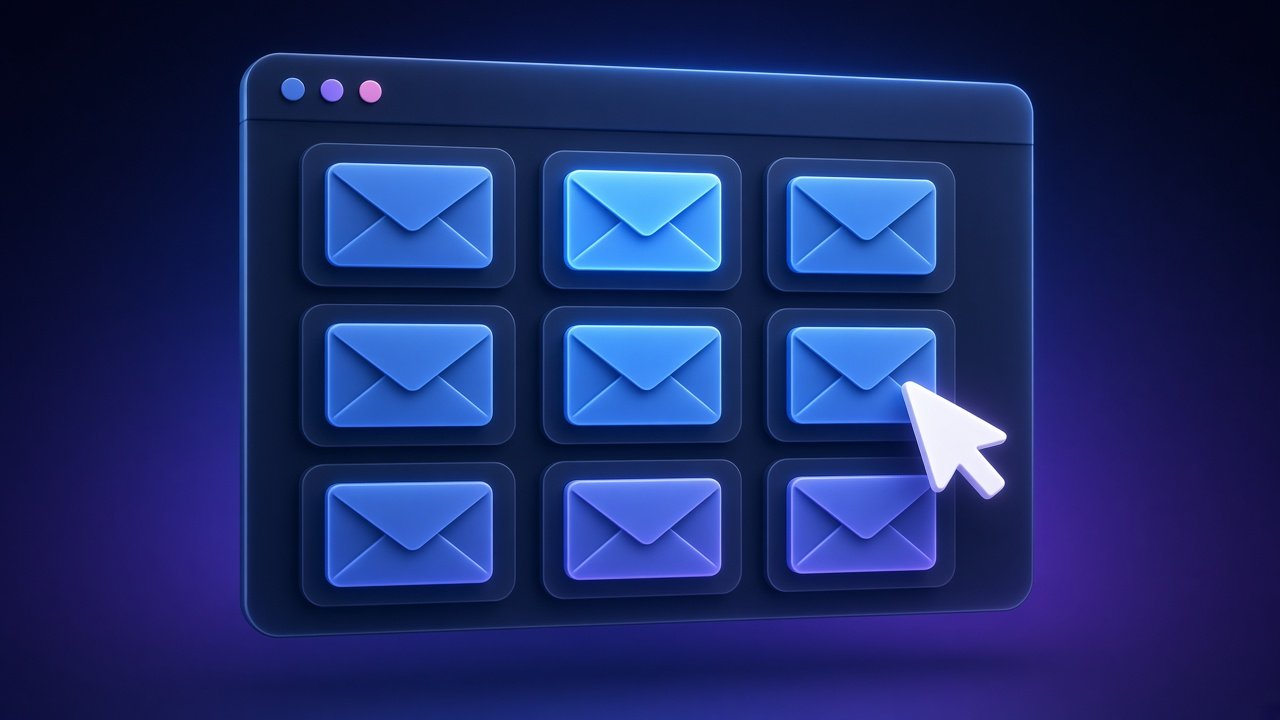
Build a simple clickable inbox for your Grok Bot email
Grok Bot has email but no full inbox UI, so reading what it sent and received can feel awkward.
How to do it
- Ask your bot to list recent messages from its inbox (subjects, who sent them, and whether a reply is needed).
- Have it generate a simple local or hosted page with clickable threads you can open and read.
- Ask it to refresh that page when new mail arrives so you always have a readable view.
Tools
Who it helps
Related
Productivity focus · Grok Bot
Find your biggest bottleneck and cut it down
To-do lists keep growing, so the real thing slowing you down stays hidden under more tasks.

Learning AI · Grok Bot
Find real AI workflows worth copying (and skip the hype)
Most "AI tips" are hype; it is hard to find workflows real people actually run.

Customers & reputation · Grok Bot
Catch every mention of your business online
Customers talk about your business on X and you miss praise, questions and complaints.
Customers & sales · Grok Bot
Find people who are looking for what you sell
Potential customers ask "what should I use for…?" on X every day and you never see it.