Marketplace › Setup
Grok Bot Setup
Alex Finn's Grok Bot setup: brain dump, then let the bot design the team
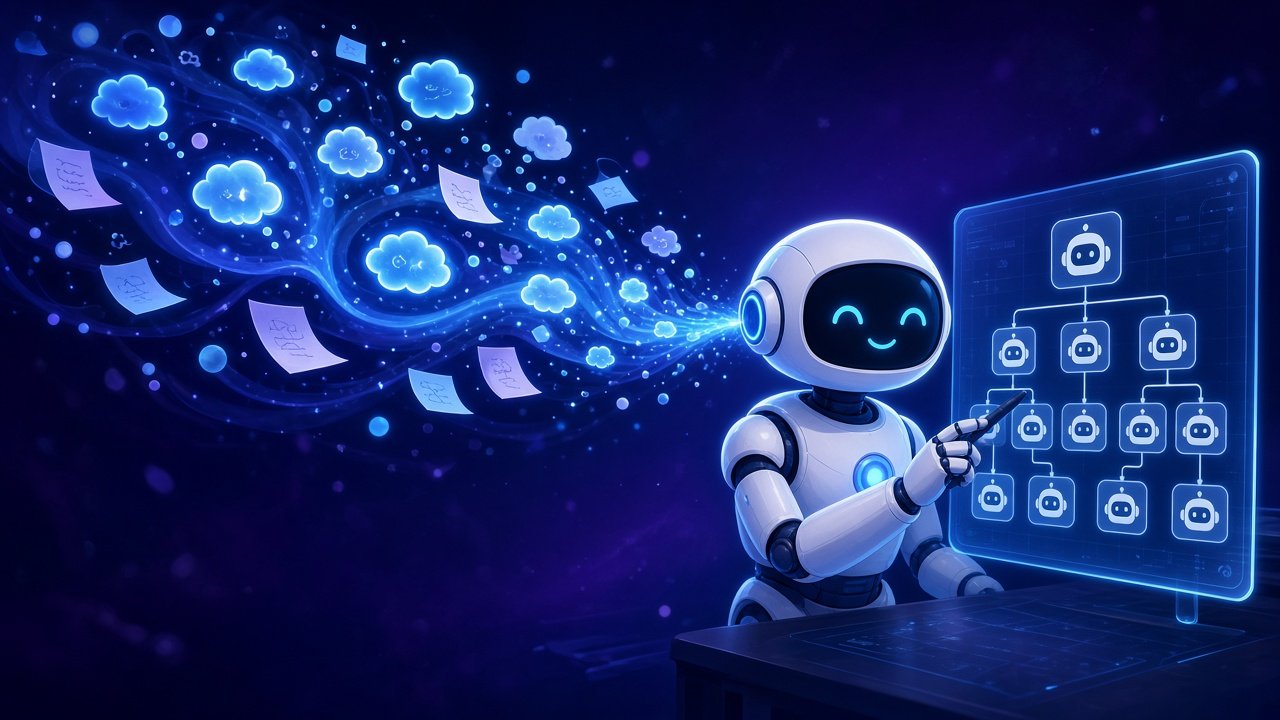
After a week of daily use, Alex Finn pins a chief of staff bot, tells it everything about his work and goals, then asks it to propose and create the rest of the team, including routines. He gives bots their own email addresses through a connector so he can invite them to apps as members instead of sharing his logins, and tours real bots for dev ops, AI-news watching, community moderation and sponsorship email triage. He keeps a customizable agent for local, model-specific work. Verified from the video transcript. Note: he says each bot has its own computer, but the docs say all your bots share one. He also promotes his paid community.
How to set it up
- Pin your first bot, give it a name and a Chief of Staff title.
- Tell it about your work and goals, then ask which bots and routines it would set up.
- Review the proposal before you let it create the bots.
- Give bots their own accounts on your apps with limited permissions instead of your admin login.